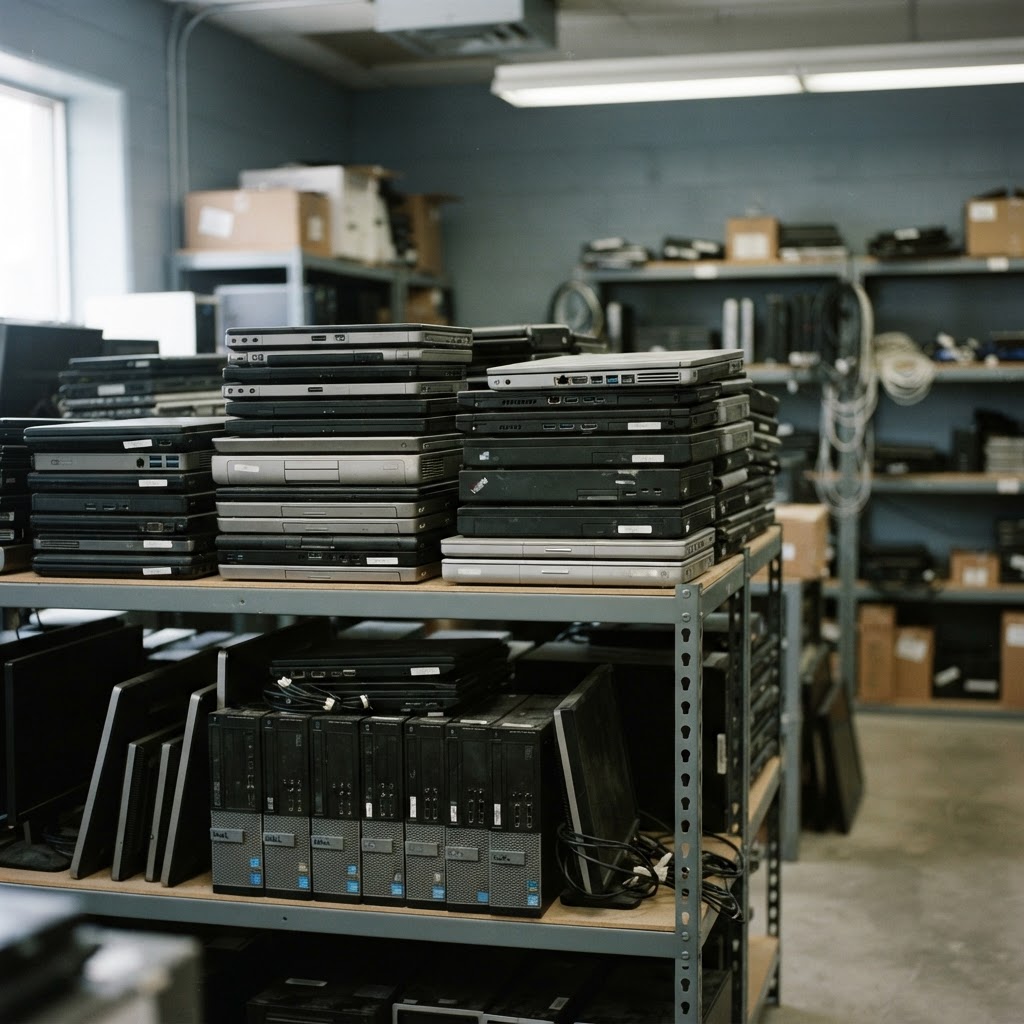
Before a business disposes of, recycles or sells an old laptop, there's one question that matters more than any other: what's still stored on it? Company laptops and computers can hold a surprising amount of sensitive information, and that information needs to be handled properly before the device leaves your premises.
What's still stored on an old laptop
Even after a device has been in use for a while, it can still contain:
- Emails and attachments
- Business documents and spreadsheets
- Customer information
- Employee information
- Saved credentials and passwords
- Company files and templates
- Other potentially sensitive information
Some of this is obvious; some of it — like cached credentials or browser history — is less so. The point is that an old laptop isn't just a piece of hardware. It's a record of how it was used.
Why deleting files isn't the same as securely wiping storage
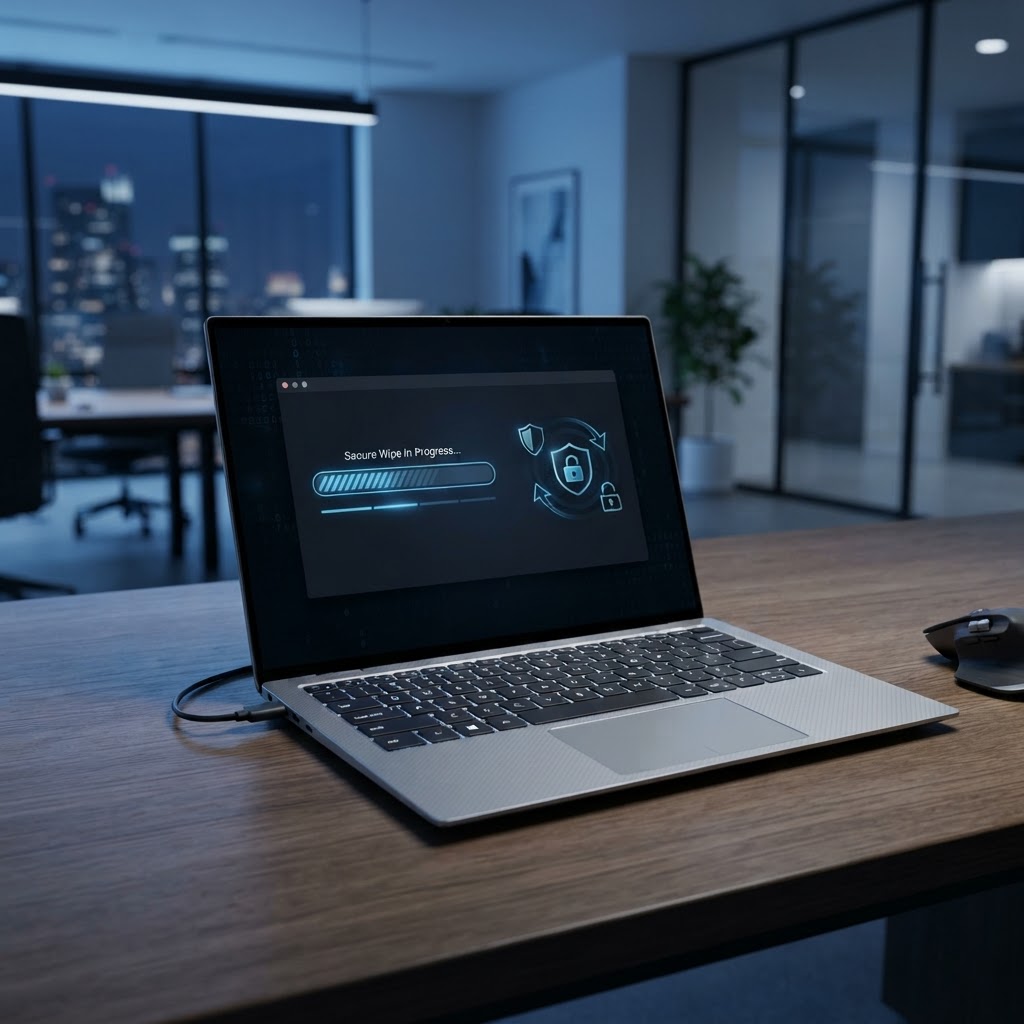
It's a common assumption that deleting files, emptying the recycle bin or resetting a device removes the data for good. In practice, deleted files can sometimes be recovered using readily available tools, because the underlying storage hasn't necessarily been overwritten. Secure data wiping takes a different approach: it's designed to make the data on a storage device far harder — or impossible — to recover. For any business device leaving your premises, that's the safer standard.
How Helix handles data
As part of our IT asset recovery process, Helix can handle data appropriately on equipment we assess. We're careful not to overstate what we do: we won't make legal, certification or GDPR claims we can't substantiate. What we will do is talk through your requirements honestly and handle the data side of the process properly, so you know where your equipment — and the information on it — is going. Get in touch to discuss how we can help.
A sensible approach before disposal
A few practical steps make the process safer:
- Keep an inventory of devices being retired.
- Don't assume a reset is enough.
- Have equipment assessed before it leaves your premises.
- Use a partner that handles data as part of the process.
You can read more in our guide to what to do with old business computers.
Frequently Asked Questions
Is deleting files enough before selling a laptop?
Not necessarily. Deleted files can sometimes be recovered using readily available tools, because the underlying storage hasn't always been overwritten. Secure wiping is the safer standard for business devices.
Does Helix provide data wiping certificates?
We handle data appropriately as part of our process, but we don't make certification or GDPR claims we can't substantiate. Talk to us about your specific requirements and we'll be honest about what we can provide.
What about hard drives that won't boot?
Even non-working drives can still hold data, so they should be handled carefully rather than thrown away. Include them when you send us your equipment list.
Replacing company laptops? Helix can help you recover value from the equipment while handling the data appropriately.
Talk to Helix →